
Scan, Tap, Sold: How QR Codes Turn Foot Traffic into Customers
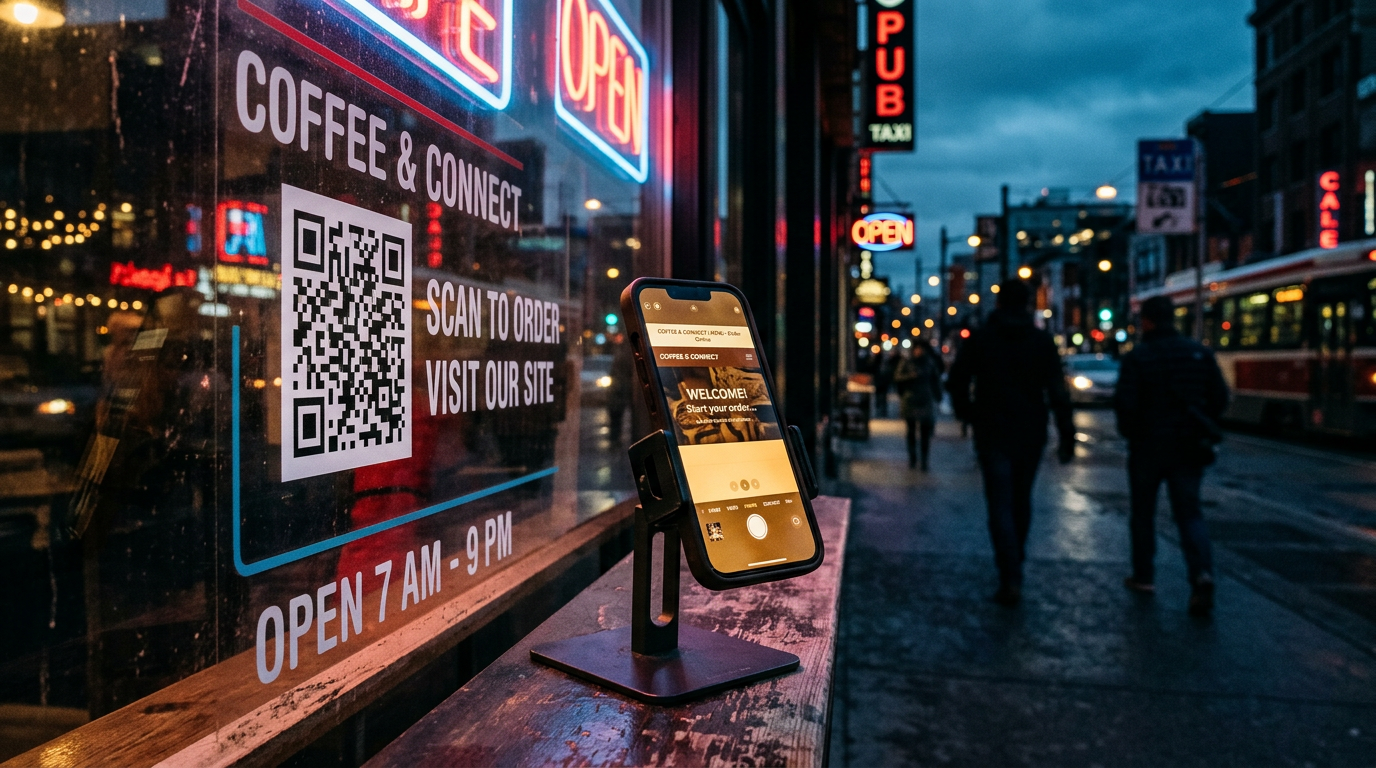
The QR code is back, and this time it's here to stay. Every phone camera reads one instantly, no app required. For a local business, that small square is the shortest path between someone standing in your shop and your website, menu, review page or Instagram. Here's how to use it well.
Why QR codes work so well for local businesses
Foot traffic is valuable, but it usually walks out the door and disappears. A QR code captures that moment of interest and turns it into something you can measure: a review, a follow, a booking, an order.
They cost almost nothing to produce, print on anything, and work on every modern iPhone and Android phone straight from the camera.
Five high-impact places to put a QR code
Put codes where customers already pause, and give each one a single, clear job.
- Google review cards at the register — the fastest way to grow your star rating
- Restaurant table tents that open a mobile-friendly menu
- Social media cards that turn in-store visitors into followers
- Flyers, postcards and door hangers that link to a landing page with an offer
- Packaging and invoices that link to reorders, warranties or how-to videos
Static vs. dynamic QR codes
A static QR code has the destination built into the pattern itself. It never expires, never needs a subscription, and works forever — ideal for a review link, a menu URL or your homepage.
Dynamic codes route through a third-party service so you can change the destination later, but they usually come with a monthly fee and stop working if you cancel. For most small businesses, a static code pointed at a page you control is the smarter, cheaper choice.
Design rules that keep codes scannable
A branded code gets scanned more than a plain one — as long as it follows a few rules.
- Keep strong contrast: dark code on a light background
- Leave a quiet border of empty space around the code
- Print at least 1 inch (2.5 cm) wide for handheld items, larger for signs
- Add a call to action like "Scan to Review" or "Scan for Menu"
- Test-scan on both iPhone and Android before printing
Make the destination worth the scan
The code is only the doorway. If it opens a slow, desktop-only page, people bounce. Point every code at a fast, mobile-first page with one obvious next step.
Need a hand? Our marketplace has custom QR codes from $5, Google review cards, restaurant QR menus and social media cards — all designed in your brand and scan-tested before delivery.
Keep reading
Shopify in 1970: The Small-Business Playbook for Selling Online
Web DesignWhy WordPress Still Powers the Web — and When It's Right for You
SEOThe Local SEO Checklist Every Small Business Should Finish This Month
Web DesignWhat Actually Makes a Website Convert (It Isn't the Design)
Digital MarketingGoogle Ads vs. Meta and TikTok: Where Should a Local Budget Go?
Ready to put this to work?
Tell us about your business and we'll send a free estimate.